
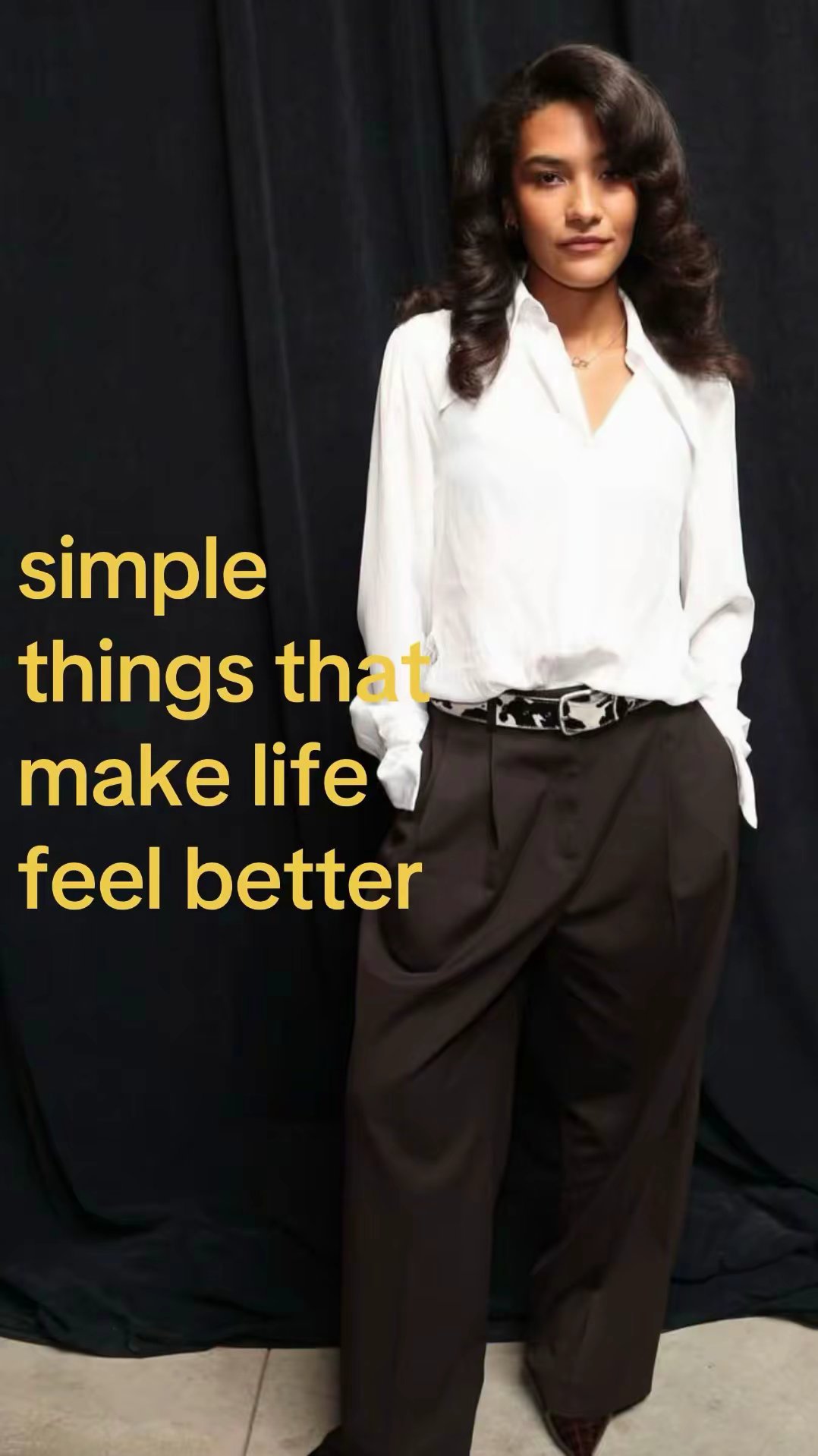




1. Choose your opening
Pick a clip that catches attention, or bring one of your own.
A great opening. Your business. One simple switch.
Pick a clip that catches attention, or bring one of your own.

Add your real visuals, a short message, and the switch that feels right.
 Your next favorite thing.Made for your business
Review the story, adjust the details, and get ready to share.
Put a real product photo at the center of your brand moment.
Opening → Anyway… → YouUse your own app screenshot and one clear benefit.
Opening → Anyway… → YouShow your place, your service, or the people behind it.
Opening → Anyway… → YouOne opening, one product reveal, one next step.
Opening → Anyway… → YouFollow a short guided flow with the assets you already have.
Opening → Anyway… → YouReuse your approved brand moment with a different hook.
Opening → Anyway… → YouChoose the opening that feels right for your audience.
Opening → Anyway… → YouKeep the message clear and your business recognizable.
Opening → Anyway… → YouThat’s the switch: an entertaining clip becomes your business story.
 Opening → Anyway… → You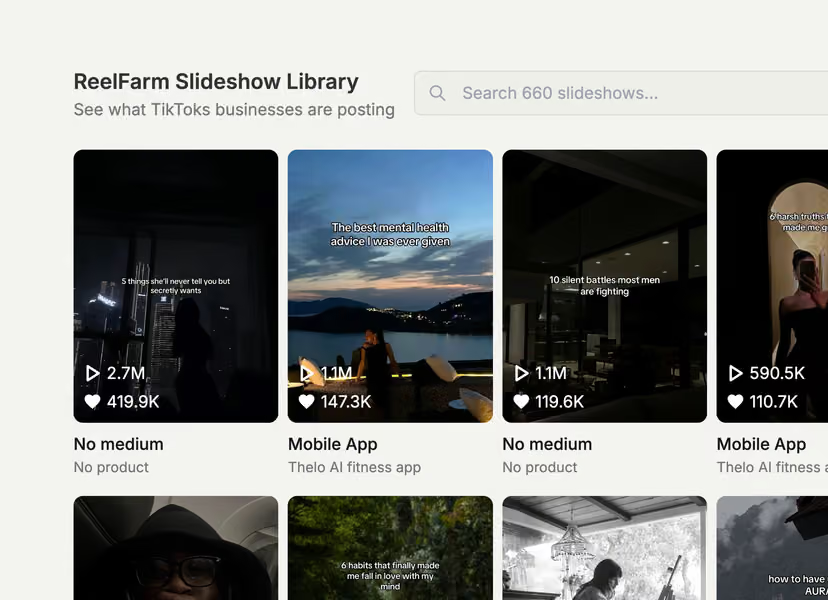
Start with a clip that catches your eye. Browse, choose, and make it yours.
A hard cut, freeze interrupt, or brand-color fade. One small moment changes the story.
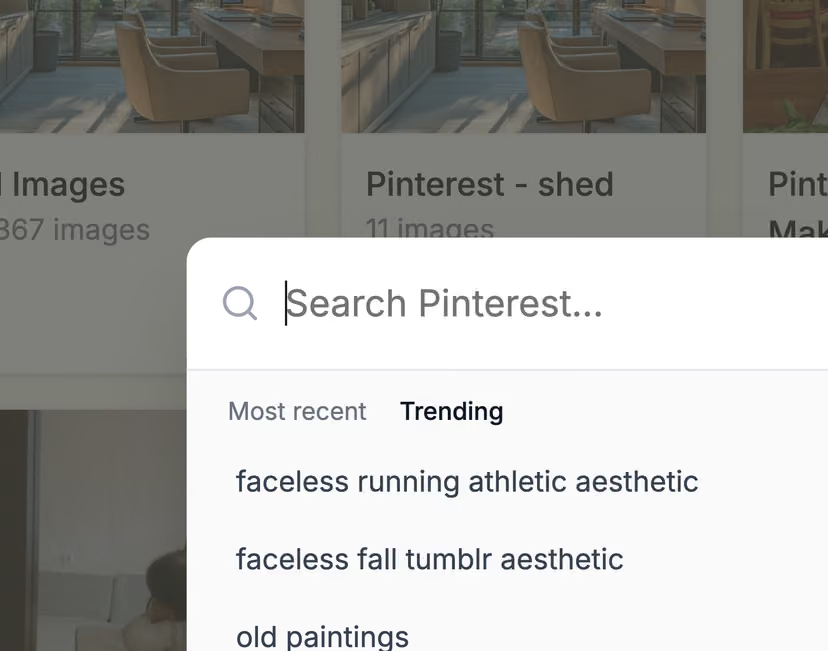
Bring your product photos, screenshots, and logo into one reusable business profile.
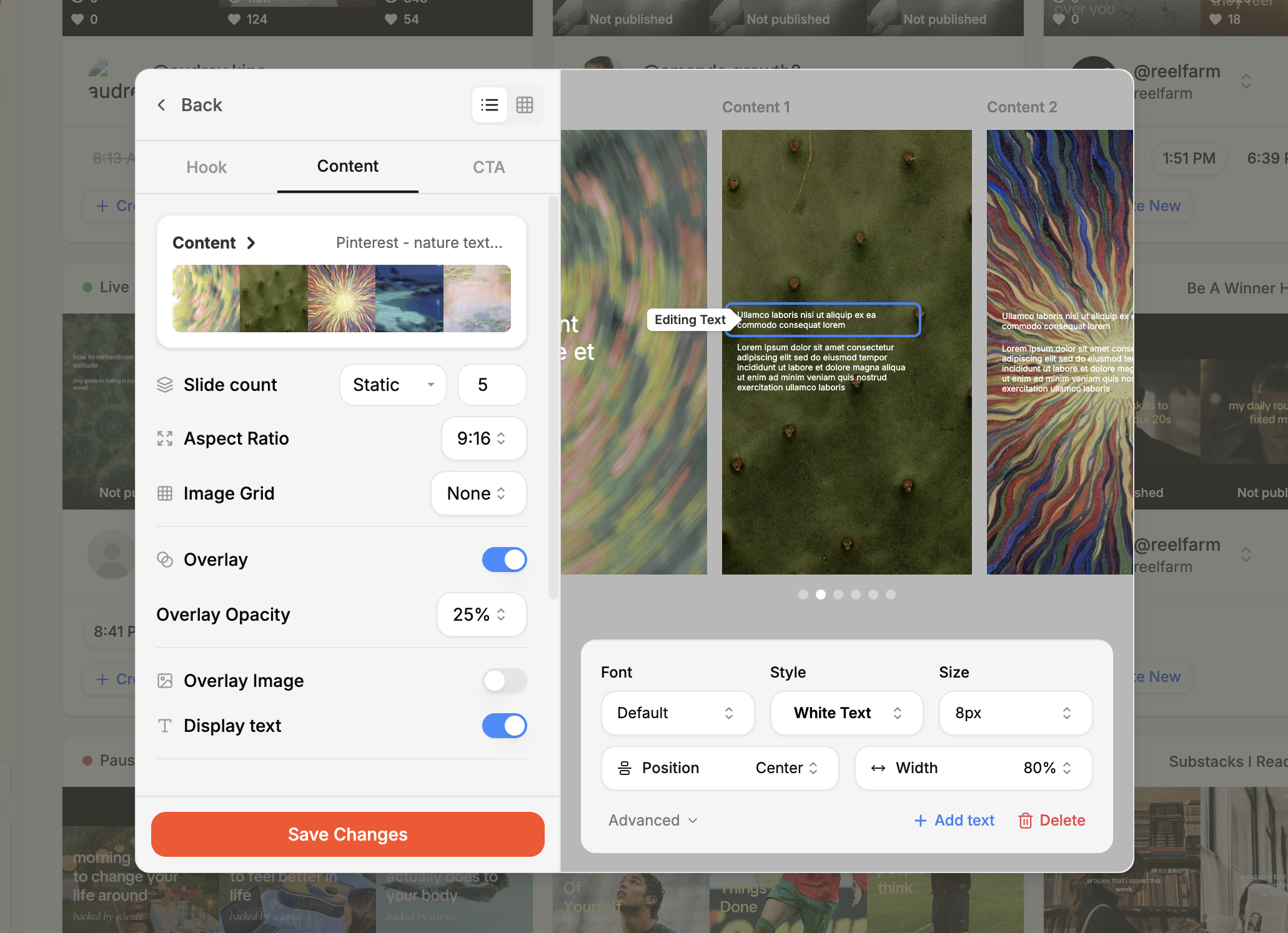
Opening, switch, business, and CTA. Every part has a purpose, and you stay in control.
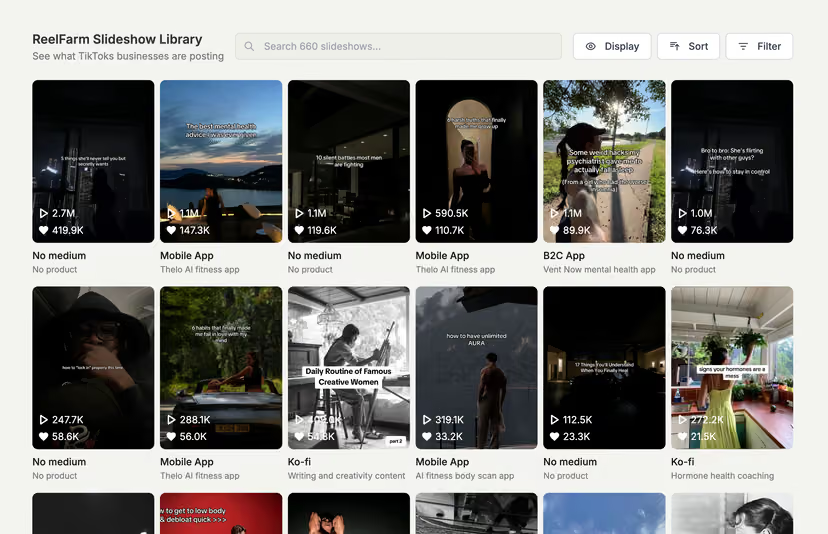
Pick up a draft where you left off and keep your finished videos in one place.
Keep your business details, approved visuals, and call to action ready for every video.
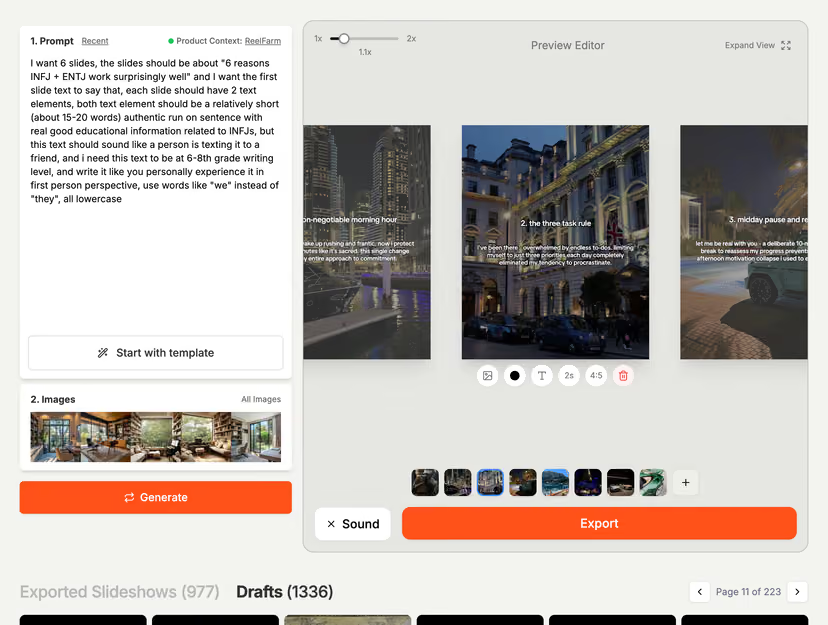
Review the sequence, change the message, and make sure the switch feels right.
Start with visuals and on-screen text. No voiceover recording or complicated timeline.
The planned credit model is simple: one completed MP4 export uses one credit.
Explore the product preview. Live generation, cloud saving, and payments are coming next.
A simple credit model. Export when you have something you love.
A few fresh ideas.
Explore the preview 1 credit per completed exportYour own business profileThree switch stylesEdit and preview your draftDownload a vertical MP4
Room to experiment.
Explore the preview1 credit per completed exportYour own business profileThree switch stylesEdit and preview your draftDownload a vertical MP4More openings. More possibilities.
Explore the preview1 credit per completed exportYour own business profileThree switch stylesEdit and preview your draftDownload a vertical MP4Credit checkout is not available in the current preview.

reelswitch is a guided tool for making short branded videos: choose an opening clip, switch to a moment about your business, and finish with a call to action. The current release is an interactive product preview.
No. You can enter your business details and add your own assets. Website import is planned as a shortcut, and you will review the details before using them.
No. The flow focuses on a few useful decisions: your clip, switch, business visual, message, and CTA.
Yes. Open the interactive preview to walk through setup and build a sample draft. Live video rendering and payments are not enabled yet.
Just one business profile. It keeps your business name, description, color, logo, visuals, and default CTA together.
Yes. Open Business profile in Settings to edit your saved details and approved assets.
Start with one clear product photo, an app screenshot, or a short recording, plus your logo if you have one. Use assets you have permission to use.
A short switch introduces your business visual and message. A call to action gives the viewer a clear next step.
The initial design has three choices: a hard cut, a freeze interrupt, and a brand-color fade.
The guided flow includes an upload option for clips you own or are permitted to use. Library clips in the prototype are sample references.
No. An unexpected opening is part of the idea. The business moment makes the connection clear.
No. Choose a clip and review the business moment. You can edit the short message and CTA directly.
No. The first version focuses on visuals and on-screen text. Voiceover can be added in a later release.
Yes. The interactive preview shows how the opening, switch, business visual, and CTA fit together.
The current preview saves text and draft choices in this browser. Account-based cloud saving is part of the next integration phase.
The planned model uses one credit for a successfully completed MP4 export. Editing and browsing do not spend export credits.
Not yet. Packages and checkout will be enabled when production video rendering is ready.
The planned export flow releases the reserved credit and keeps your draft so you can retry.
The planned flow lets you download a finished file again for free. Exporting an edited version will use a new credit.
The first export format is a vertical 9:16 MP4 for short-form social video.
The first release focuses on creating and downloading videos. You will upload the finished file to your preferred platform.
Use your own business assets and opening clips with the permissions needed for your intended use. Commercially cleared library clips are part of the planned library.
Walk through an opening, the switch,
and a moment made for your business.
Start with your business. Bring a little unexpected.